


 en
en

Telegram is the world’s most popular messaging app. Its speed, flexibility, and privacy focus make it the obvious choice. However, there are situations when users must completely delete their account: due to a change of platform, privacy concerns, or a desire for digital detox. Deleting Telegram is different from other platforms and requires attention to detail.
This article will provide clear instructions on how to permanently delete your Telegram account, what you need to do before doing so, and how to protect yourself with VPNLY.
Why do users delete Telegram?
There are several reasons, but the main ones are as follows:
- Messengers are draining, and people want a digital break.
- There are clear concerns about data privacy.
- The clear intention is to eliminate an old account and establish a new one.
- Update your contact information, including changes to your phone number.
It’s critical to know that deleting a Telegram account is permanent, with no possibility of reversal. This will delete all your chats, contacts, channels, groups, and media files. It is time to examine the most common and important questions.
What you need to know before deleting Telegram?
Here are the key points:
- Telegram does not offer a “delete account” button in the app — everything is done through the website.
- If you delete your account, all data will be erased without the possibility of recovery.
- After deletion, you will not be able to register again with the same number immediately — you may need to wait a few days.
- Your messages in groups will remain, but will be marked as “deleted account.”
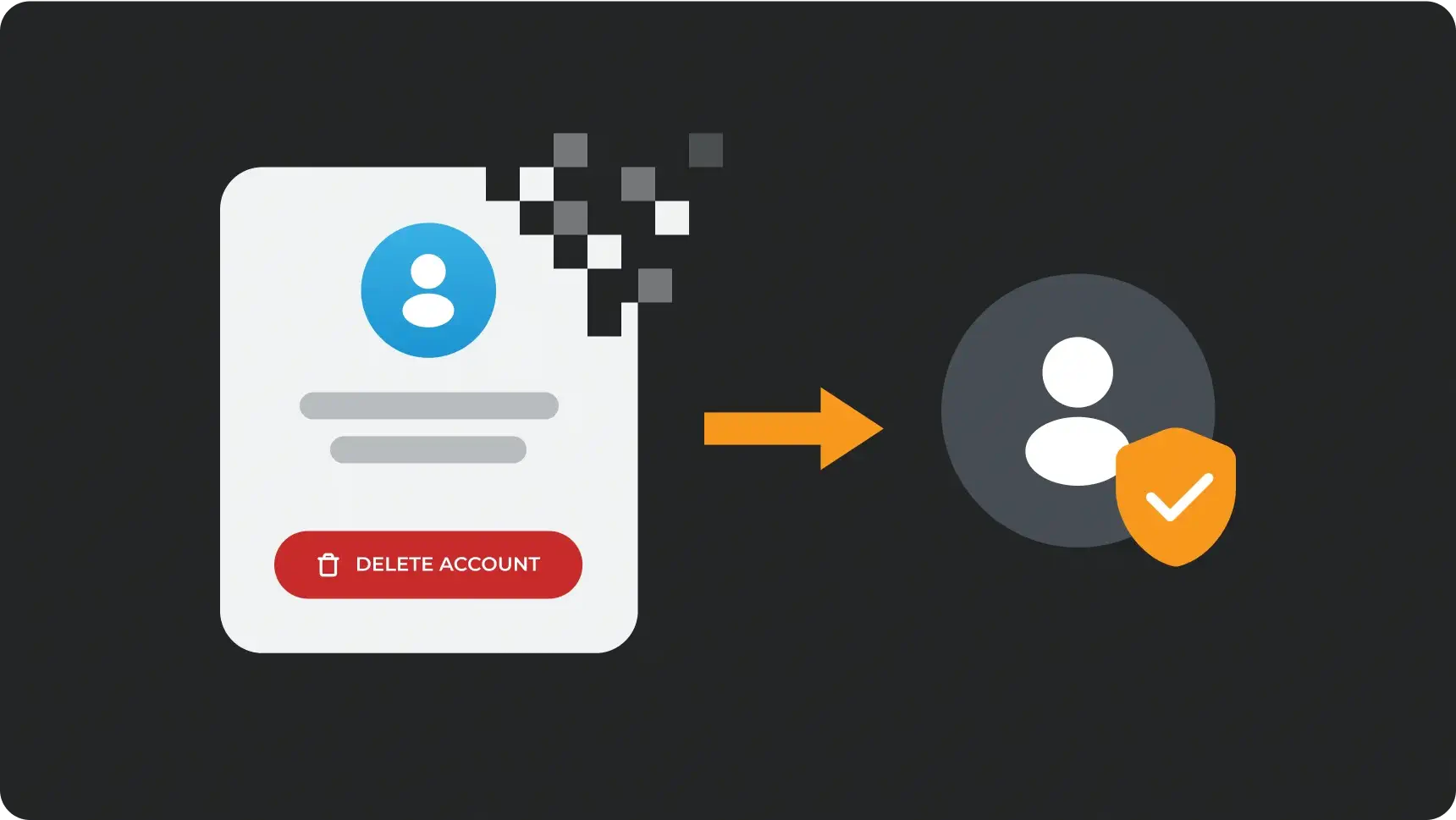
step-by-step instructions for manually deleting your Telegram account via the web
| Step 1 | Go to the official account deletion website. The website is https://my.telegram.org/auth. |
| Step 2 | Two: Input your telephone number in its international format. |
| Step 3 | In the third step of the process, you will receive a confirmation code via the Telegram chat app, not via SMS. |
| Step 4 | Enter the code on the website and click ‘Sign In’. |
| Step 5 | On the next page, ‘Delete account’ should be clicked |
| Step 6 | Specify the reason (optional). Then, confirm the deletion. Following that, your account will be completely and permanently deleted. |
Learn how to set up automatic deletion of your Telegram account
Telegram also offers a feature that automatically deletes your account after a period of inactivity. Open the Telegram app to implement these changes.
To delete your account when you’re offline, navigate to the Settings menu, select the Privacy option, and then choose Delete account. Then, select the period for which you want to temporarily delete your account, such as one month, three months, six months, or one year. Please be aware that if you don’t log into Telegram within the designated time frame, your account will be deleted automatically.
how to save your data before deleting it
The saving of chats, media files, and documents requires following these steps:
| Step 1 | Install Telegram Desktop. It is available for Windows, macOS, or Linux. |
| Step 2 | Access your profile. |
| Step 3 | Proceed to the Settings menu, then navigate to the Advanced section, and finally select the Export Telegram Data option. |
| Step 4 | Select which data you want to save, including chats, media, stickers, and more. |
The export should be started, and the archive should be saved on your computer.
Why you should use a VPN when deleting Telegram
Even when using a messenger that claims to focus on security, your metadata, IP address, and location may still be visible to your provider and other services. Deleting your account can also send requests through unstable networks. Using a VPN such as VPNLY when working with Telegram allows you to do so securely and privately:
- Hide your IP address. This will prevent your actions from being linked to your device.
- Encrypt your internet connection. This will protect it from interception.
- If Telegram is restricted where you are, you can bypass regional blocks.
- Prevent tracking by internet providers and advertising trackers.
Before deleting your account, make sure you turn on your VPN. This is an extra step that boosts your privacy, protecting you from potential data breaches and other online threats.
What happens when you delete your account?
- You will not be able to restore your account. You will not be able to restore your message history.
- Your groups, where you were an admin, will remain, but you will lose control over them.
- If you decide to return, you will have to create an account from the beginning.
- The system will automatically log out all linked devices.

To sum things up:
Deleting your Telegram account is a step you can’t take back. If you are sure of your decision, follow the instructions above, remembering to save your data first and enable VPNLY for Telegram to protect your personal information. In today’s world, your attention, digital habits, and privacy are considered your personal capital. Manage them consciously.
Your data is your choice. Use a VPN. Delete accounts wisely. Live your digital life on your own terms, and do so in a way that works best for you.